
Business infrastructure
Unreliable business WiFi: check the cause before upgrading
Look at the equipment, working areas and tasks affected before deciding whether the answer is better coverage, cabling or a different fix.
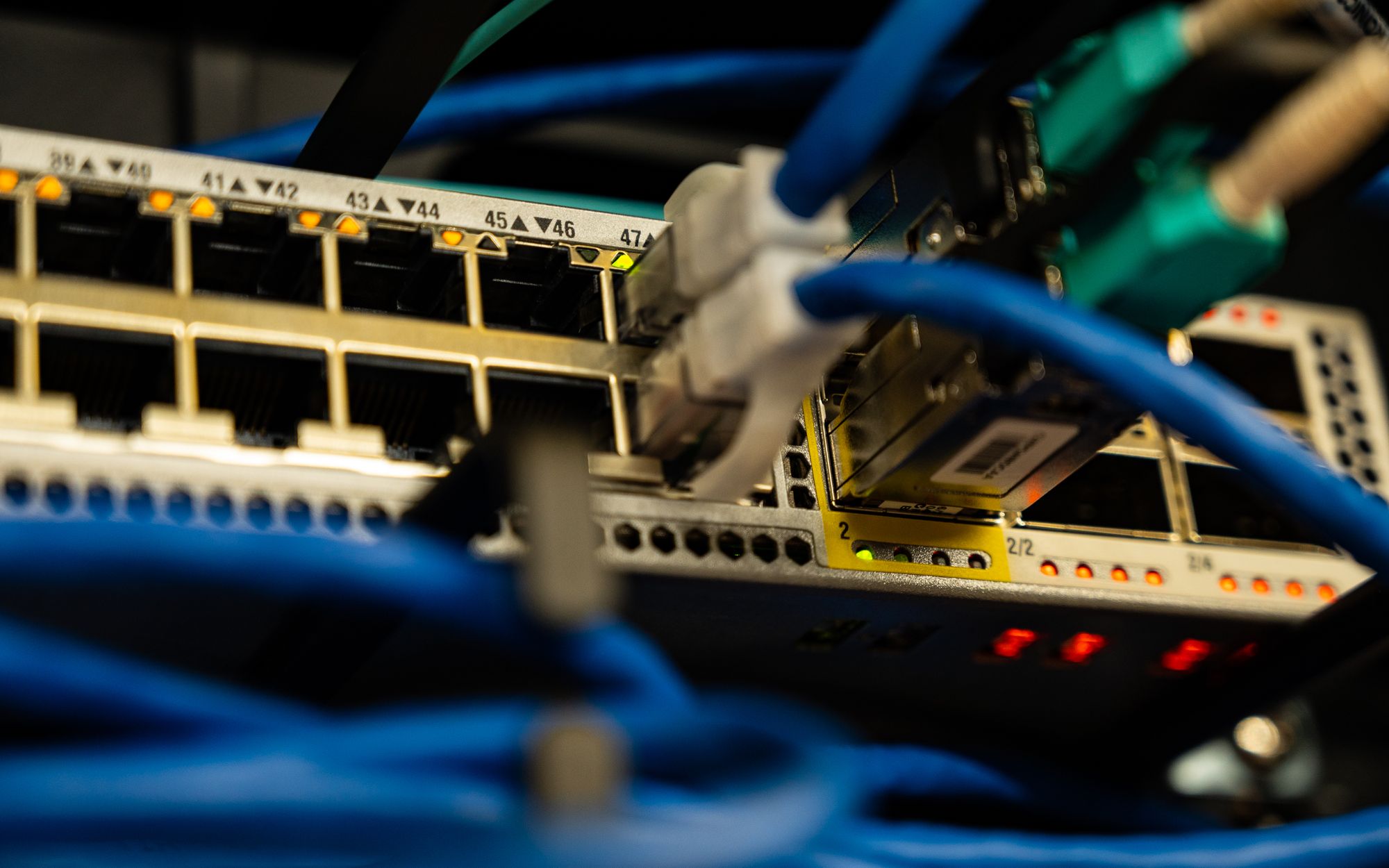
When equipment keeps losing its connection, the immediate concern is the work that stops. Staff may be unable to retrieve information or complete a task that depends on an online service. Before buying a stronger router or another access point, record what is happening. A clear picture of the affected devices and locations gives the investigation a better starting point and helps avoid replacing equipment that was not the cause.
Find the pattern before naming the fault
Broadband and WiFi are different parts of the connection. Broadband supplies internet access to the premises; WiFi links a device wirelessly to the local network. A device can therefore have a wireless problem even when the broadband service is operating, and a strong wireless connection does not prove that every internet service is available.
Ofcom identifies several influences on wireless performance, including the router, the device, distance, walls and interference. It also explains that a poor WiFi speed result does not necessarily indicate a fault on the broadband line. These principles help separate a local wireless problem from a fault affecting the internet connection. Ofcom’s connectivity guidance
Start a short fault record. Note the time and location, which equipment was affected and what the person was doing. Was it one device or several? Did the problem follow the device into another area? Did other applications continue working? Record the interruption in ordinary language before trying to label its technical cause.
Where practical, compare the same task over a suitable wired connection. Ofcom notes that wired connections are usually faster and more reliable. The comparison can help direct the investigation, but it is not a complete diagnosis on its own. If a payment or business application fails, its own service status and configuration may also need checking.
Our recommendation is to preserve the pattern long enough to investigate it. If several settings and devices are changed at once, it becomes harder to connect a change with the observed result. Where work could interrupt essential equipment, agree a safe time and a recovery plan with whoever is responsible for the network.
Design around the premises and the work
Once the likely fault is understood, review the areas and equipment the network needs to support. Include the places where people actually work, not just where a test is convenient. A stock area, office or sales position may have a different requirement from the room containing the router. Explain which tasks are essential and which can tolerate an interruption.
For equipment that stays in one place and supports a wired connection, consider whether cabling is appropriate. For devices that move with staff, plan wireless coverage around their working areas. Ask the installer to explain why the proposed access point positions and connections suit the premises. The equipment list should follow the requirements and assessment rather than stand in for them.
Security needs the same attention. Cisco’s guidance describes guest isolation that separates visitor traffic from a business network. Merely giving a guest network a different name does not demonstrate that separation. Ask what visitors should be able to reach, how that restriction is enforced and how it will be checked. The configuration will depend on the equipment being used. Cisco’s guest network guidance
If losing internet access would stop an important part of the business, include continuity in the brief. Ask what a backup connection would need to keep working and what its limits would be. Treat that as a design question to assess against the premises, applications and available services. A line on a quotation saying “backup internet” is not enough to establish what would happen during an outage.
Start with the interrupted task
Give the person assessing your network one clear example: the device, where it was used, the task that failed and the effect on the working day. Include any repeatable pattern. That is more useful than asking for better WiFi without explaining what needs to work.
Check the result and agree who owns it
Before work begins, agree how completion will be checked. The original fault record can become the basis of that check: repeat the affected task in the same place with the relevant equipment. Confirm that authorised devices can reach the services they need and that the intended restrictions are in place. A demonstration beside the router should not replace checks in the working areas.
Keep the test proportionate to the project. For a limited repair, it may be a focused set of repeat checks. For a wider installation, ask for the agreed checks and results to be recorded. If something could not be tested, note it clearly rather than treating an untested requirement as complete.
The handover should explain what was installed or changed, where the documentation is kept and who manages the equipment. Agree how faults are reported and how future changes are recorded. Access details should be handled securely, not included in an openly shared project report.
Finally, plan to revisit the requirements when the premises or working practices change. Tell the person supporting the network about new equipment or a changed layout so they can assess the impact. The useful result is a network designed and managed around the work, with enough documentation for someone to understand it when support is needed.
Explore business systems and technology.
See the thinking in practice.
Explore the business needs and delivery behind our client projects.
Explore Project Lab