
Web design
What should a small business website actually do?
A practical brief starts with the customer's task, the information they need and a clear way to judge whether the website is doing its job.
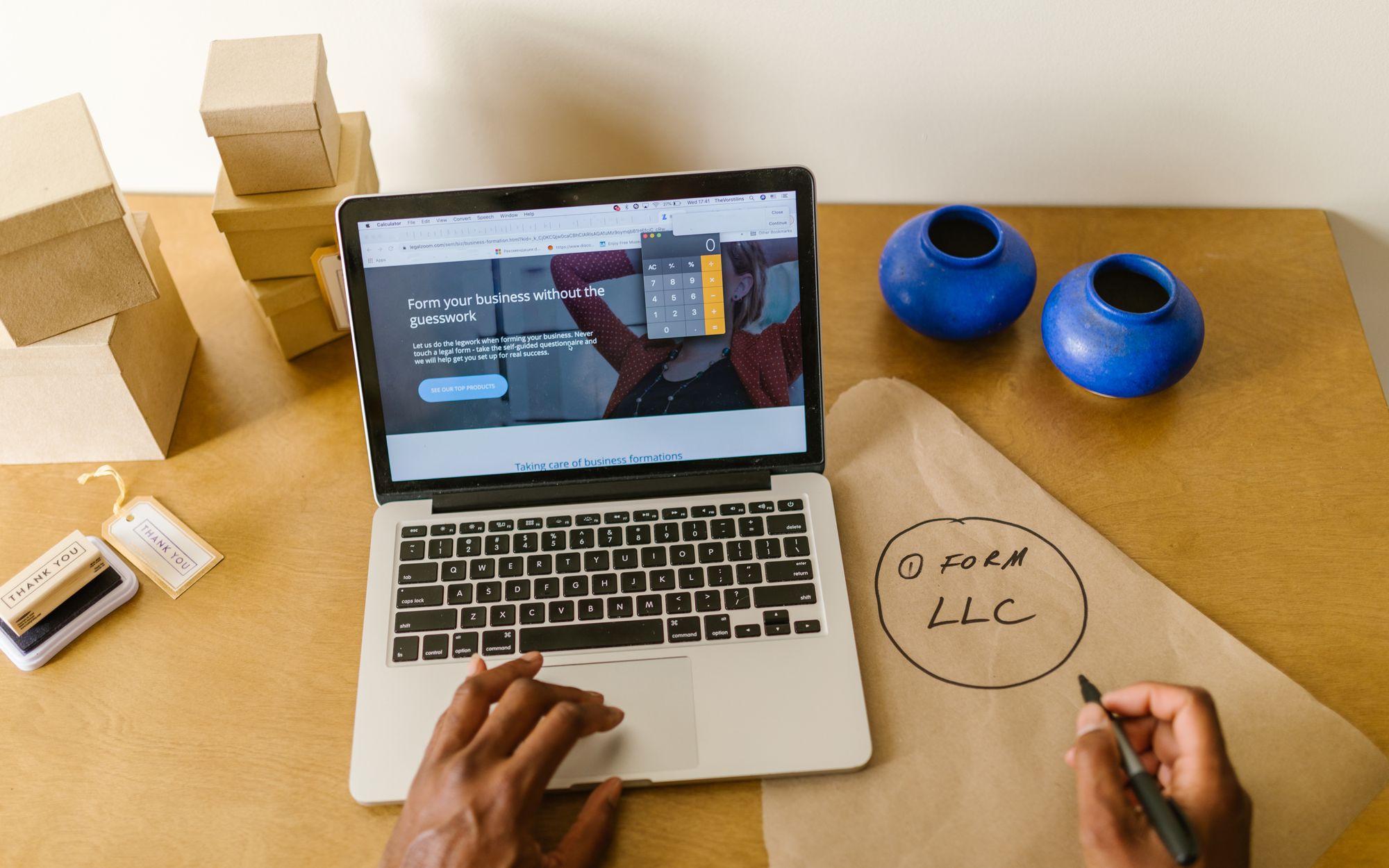
Before discussing colours, animation or page layouts, decide what a customer should be able to achieve on your website. They may need to understand a service, decide whether you can help or complete a purchase. Your brief should connect that task to the way the business works. Without that connection, it is difficult to judge whether a design is useful, or simply whether you like looking at it.
Turn a broad ambition into a usable brief
“More enquiries” is a reasonable ambition, but it leaves important questions unanswered. Which customers are you trying to reach? What kind of work is suitable? What information would help you decide how to respond? A brief becomes more useful when it describes the conversation you want the website to start.
For example, a business installing commercial networks might want independent shop owners to understand its assessment service and request a discussion about their premises. That gives the designer an audience and an intended action. It also gives the writer a reason to explain the operational problem in familiar language before describing equipment.
Separate the main task from the supporting ones. A visitor may need to read about the business or examine a relevant project before they are ready to contact you. Those pages should support the decision rather than compete for attention. Agree which action matters most on each page, while leaving a sensible route for people who need more information.
There are also business constraints to settle. If a service depends on a survey, say so in the brief. If enquiries are handled during particular hours, plan a confirmation that reflects that. If a quotation needs information the customer is unlikely to know, decide how you will obtain it during the conversation. These decisions shape the website long before anyone chooses a layout.
Give the design useful, maintainable content
A designer needs more than a list of services. Gather explanations of the problems you solve, the work you undertake and what a customer can expect next. Add relevant evidence where you have permission to use it. Be clear about limits as well as capabilities, so the page helps people judge whether the service fits their needs.
Google’s content guidance encourages material created for an intended audience, with enough information to help readers achieve their goal. It also explicitly rejects the idea that Google has a preferred word count. For a business website, that means covering the customer’s question properly rather than stretching every page to an arbitrary length. Google’s helpful content guidance
Decide who will keep the information current. Prices, availability and service descriptions can become part of everyday operations if they are published online. Name the person who can approve a change and make sure they know how the relevant content is maintained. A website brief should include those responsibilities alongside the content required for launch.
Practical presentation belongs in the brief too. Ask for readable mobile pages, navigation that can be used without a mouse and forms with clear labels and feedback. W3C’s form guidance explains how accessible controls and instructions help people understand and complete a form. These are requirements to check in the finished work, not details to leave until someone reports a problem. W3C forms guidance
A useful brief in plain language
Write a short paragraph describing who the website is for, the task they need to complete and the information that helps them decide. Follow it with what the business will do after the customer acts. If that handover is unclear, settle it before commissioning the pages around it.
Agree how you will judge the result
A finished website should be checked against the brief. Can someone unfamiliar with the business find the right service, understand whether it suits them and complete the intended action? Test the task on the devices your customers use, including errors and incomplete information. A page that looks complete still needs its working routes checked.
Google Analytics allows configured events to be marked as key events. Choose measurements that match the task, and verify what actually triggers them. A contact button click is not the same event as a successfully processed enquiry. Even a completed form says nothing by itself about whether the request is suitable or becomes paid work. Google Analytics key events
Look at the business records alongside the website measurements. Are the enquiries relevant? What questions do people still ask before they can decide? Does the team repeatedly need information that the website could explain more clearly? Those conversations can help you identify the next improvement without treating traffic volume as the only measure of value.
For a small business, we recommend agreeing a review point and keeping a short record of changes. Note what was changed, why and what you will look for afterwards. Avoid changing several unrelated things and then claiming one of them caused a result you cannot isolate. Some improvements will be justified by a clear usability problem even when there is not enough data to estimate a sales effect.
This is also why the brief matters after launch. It gives you a shared reference when deciding whether a proposed feature is worth the work. Ask which customer task it supports and how it fits the business process. If that answer is unclear, investigate the need before adding it to the site.
Explore digital presence and customer experience.
See the thinking in practice.
Explore the business needs and delivery behind our client projects.
Explore Project Lab